
Deployment & SupportTraining & Handover
Practical training. A clear handover.
Plan training around your equipment, team roles and intended tasks—with operating references, training records and follow-up actions defined in the agreed scope.
Training scope, location, language and fees are confirmed before scheduling.
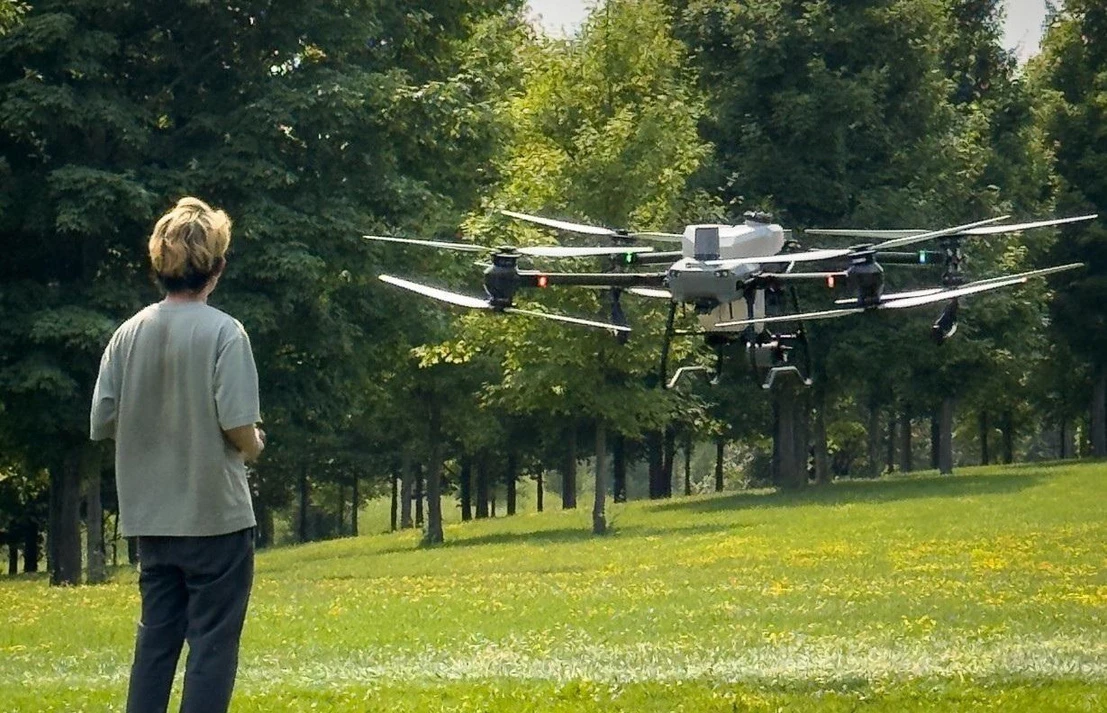
Training environment
A practical setting for hands-on learning.
Bring the equipment, working conditions and people into the same conversation. Our Canadian team is your local point of contact for arranging the session.
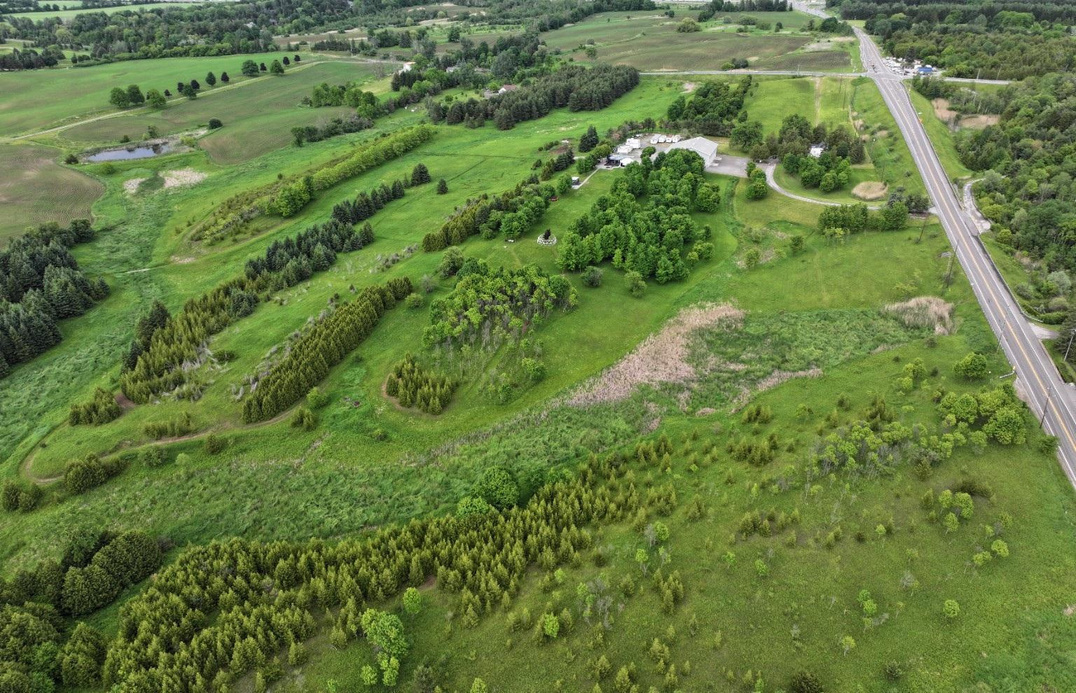
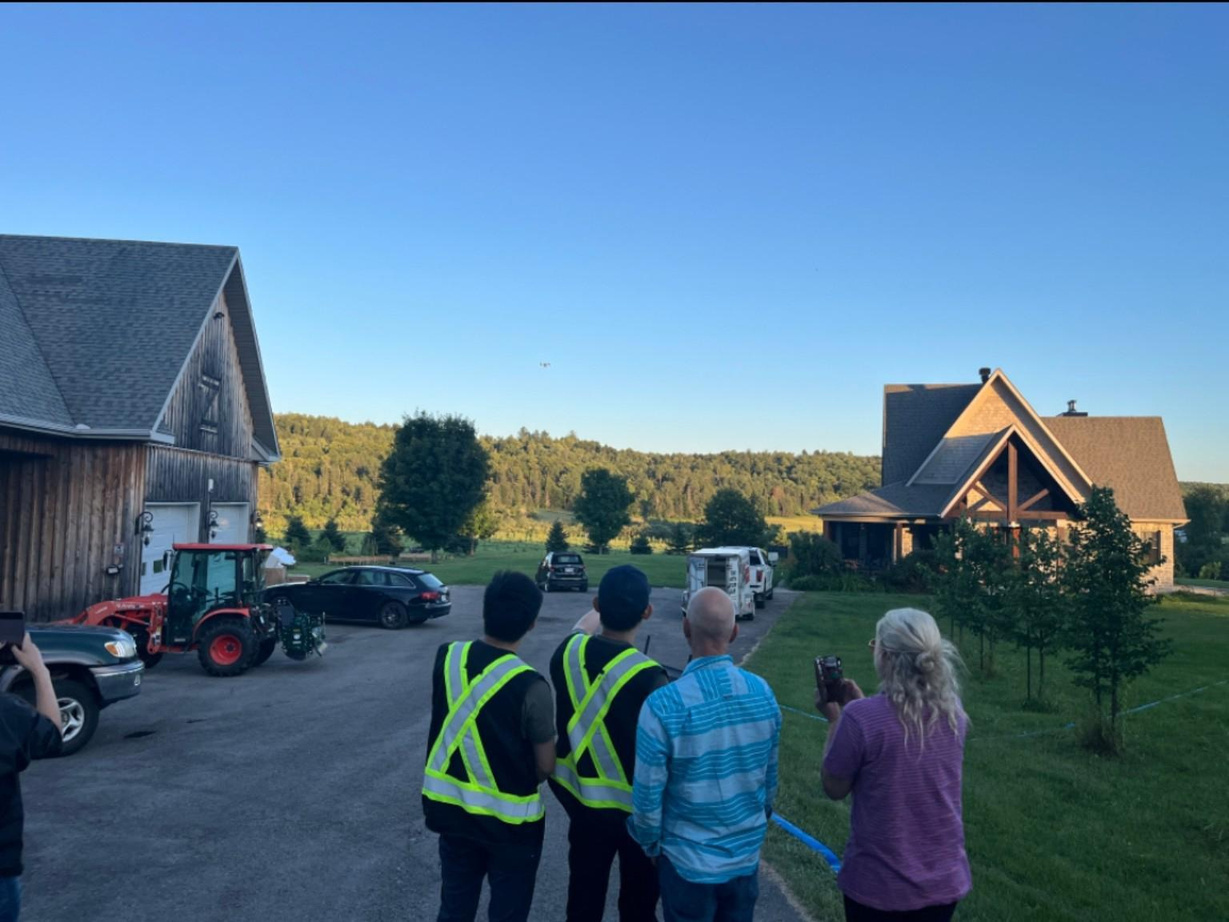
- Configured for your system
- Confirm the aircraft, ground equipment and software relevant to the configuration your team will use.
- Organized by team roles
- Operators, ground crew and operations leads practise the steps relevant to their responsibilities.
- Coordinated locally
- Confirm who coordinates the session, who provides instruction and where the agreed activities can take place.


King City is one setting documented in our company material. The location, instructor and any partner involvement are confirmed for your session.
Training content
Train for the equipment—and the role.
Combine the directions that fit your system and intended tasks. The content and review objectives below are starting points for an agreed training scope.
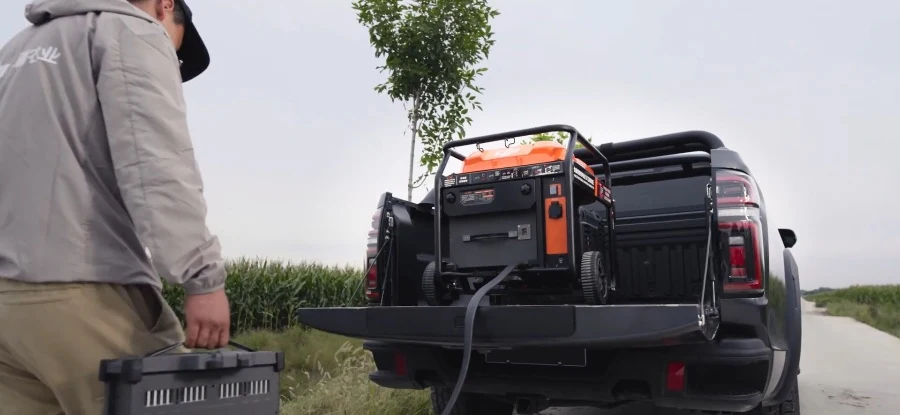
Agras equipment & field workflow
T50 / T100 equipment and the people who keep the ground workflow organized.
Who takes part Aircraft operators, ground crew and operations leads
- Agreed configuration, task preparation and relevant settings
- Checks, charging, replenishment and material-handling responsibilities
- When to pause, request help and record end-of-task checks
Review how participants explain the preparation steps for their role, use the relevant checklist and identify situations that need help or further review.
Practice is selected for the actual configuration and task; these topics do not describe a fixed course.
Explore field logistics
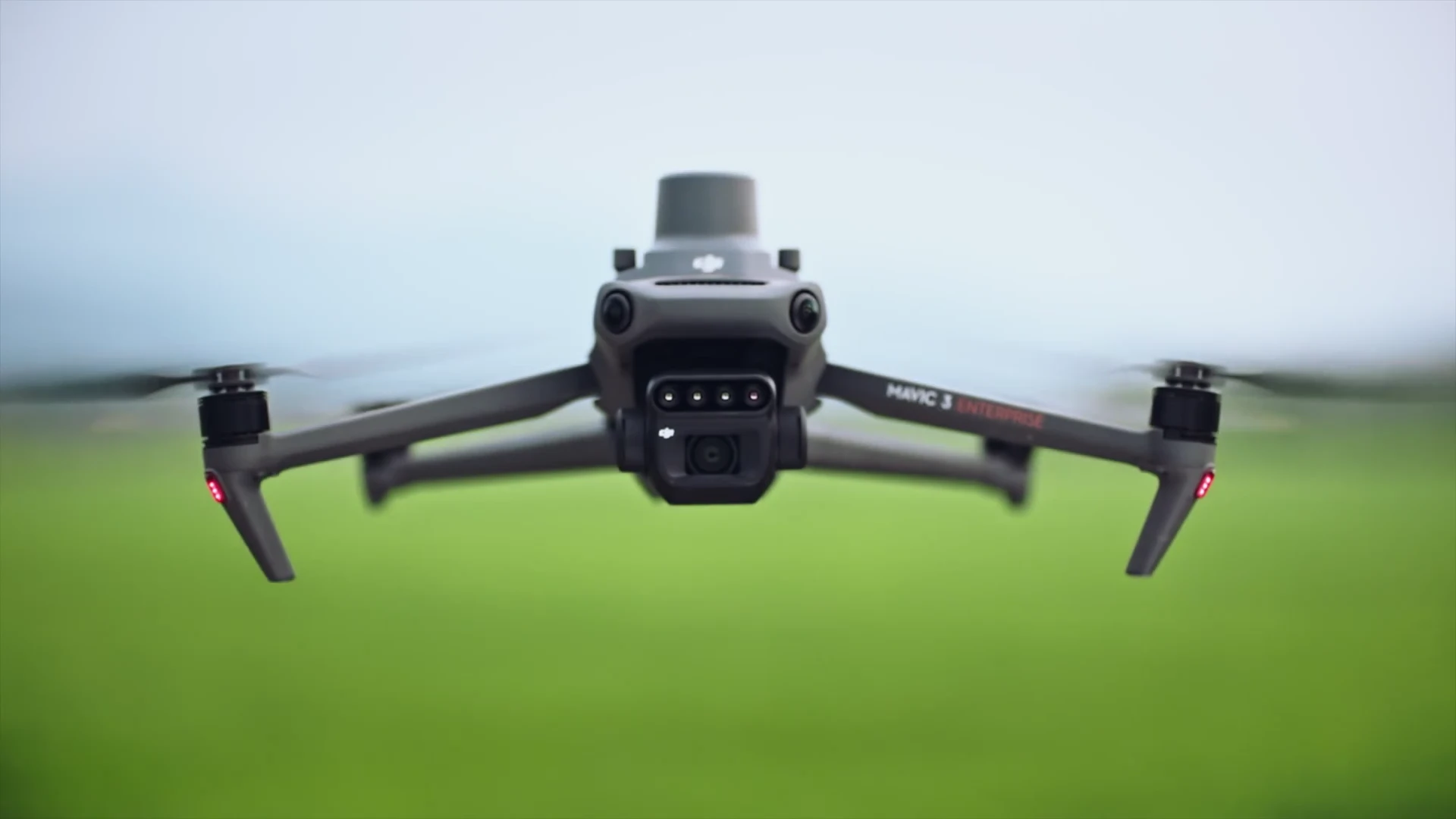
Mavic 3M & scouting workflow
Prepare collection tasks, organize the resulting data and connect findings with ground follow-up.
Who takes part Scouting operators, data reviewers and field teams
- Collection preparation, relevant settings and task references
- Field and task identification, file organization and data completeness
- Areas to investigate and the handoff to ground checks
Review how participants find the right field and task data, explain whether the records are complete and identify questions that still need a ground check.
An index alone does not diagnose nutrient deficiency, disease or water stress. Interpretation requires context and ground verification.
Explore crop scouting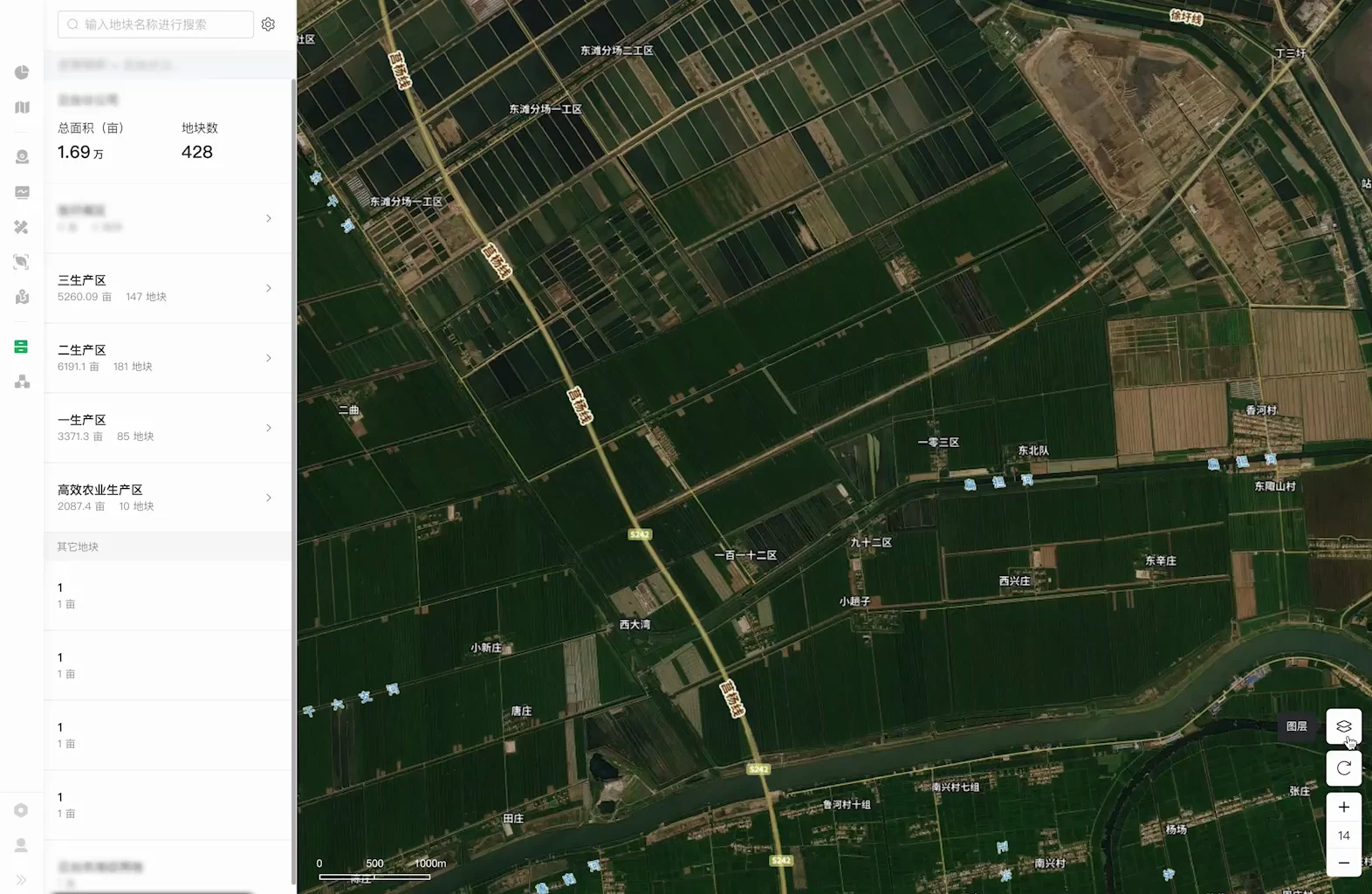
Software & operating records
Learn the tools and record practices actually selected for your project.
Who takes part Operators, record owners and people reviewing the data
- Relevant SmartFarm Web, SmartFarm App or Terra functions, where used
- Account responsibilities, verified file handoffs and record locations
- Who reviews the information and what to include in a support request
Review how participants locate the agreed records, explain who checks and receives them, and prepare useful information when they need support.
Tools are chosen for the project. Custom software training covers delivered functions and their handover; development scope is discussed separately.
Explore workflow integrationHow training works
See it. Practise it. Review it together.
Agree what the session will cover, make room for guided practice and record the follow-up. The sequence below describes a proposed session structure.
Brief
Confirm participants, experience, intended exercises, necessary preparation and each person’s role.
Demonstrate
Explain the relevant equipment, checks and steps, including the reasons behind each decision.
Practise
Participants work through exercises for their responsibilities with guidance, and explain their decisions.
Review & hand over
Review what was practised, what needs more guidance and which references and next actions will be handed over.
Handover
Leave with records, references and clear next steps.
Agree what your team will receive and where to find it. The proposed handover structure makes the covered work, open questions and continuing responsibilities visible.
- Equipment & scope reference
- Reference the agreed equipment configuration and relevant software versions, using existing deployment records where available.
- Training record
- Identify participants and roles, distinguish explanation from practice, and record areas needing further guidance.
- Operating references
- Identify applicable manuals, agreed checklists and task preparation or completion records.
- Accounts & data handover
- Clarify account owners, access arrangements, file locations and handover responsibilities without including passwords in the record.
- Open items
- List further practice, missing materials, responsible people and the next agreed action.
- Support contact
- Set out the support route, useful information to provide and the support scope agreed for the project.


HANDOVER SUMMARY — FORMAT EXAMPLE
A shared reference for what comes next.
Suggested fields, shown without customer details or completed training results.
- Equipment & scope
- Relevant equipment and agreed training scope
- Participants & roles
- The people taking part and their responsibilities
- Topics practised
- Exercises undertaken and conditions recorded
- Further practice
- Topics needing additional practice or guidance
- Materials & access
- References, file locations and access arrangements
- Open items
- Outstanding questions, materials or activities
- Owner & next action
- Who follows up and what happens next
- Support contact
- The agreed route for requesting further help
Descriptive terms for the record
- Explained
- Practised
- Further guidance needed
- Not covered this session
This is a suggested format. The records, references and follow-up included in your session are confirmed in its scope.
Attending training, completing an agreed exercise and meeting the requirements for an actual operation are separate matters. Training records apply to the content and conditions recorded; unresolved requirements remain open.
Arrangements
Plan the session around your team.
Confirm the people, equipment and practical arrangements before scheduling.
- Participants & experience
- Team size, roles, existing equipment experience and learning objectives.
- Equipment & tasks
- The configuration to use, activities to practise and anything outside this session’s scope.
- Location & format
- A training site, your location or suitable remote software and reference sessions, according to the content and conditions.
- Duration & scheduling
- Arranged around the scope, participants and conditions. No single duration is assumed for every team.
- Language
- Tell us your preference; instructor and material language availability is confirmed separately.
- Fees & inclusions
- Training fees and included items are set out in the quotation and confirmed scope.
If weather, site or equipment conditions prevent an exercise, record it as incomplete and agree the next step. Remote discussions cover suitable content; they do not replace every field exercise.
After the session
Know where to turn after the session.
Use the right route for an equipment issue or the next stage of learning.
Frequently asked questions
Can we discuss training if we already have equipment?
Yes. Start with the equipment you own, your team’s experience and the intended tasks. The training scope is discussed from there; buying a new system is not a prerequisite for that conversation.
Do only pilots need to attend?
Participation follows the roles involved. Ground crew and operations leads may need different content from aircraft operators, including preparation, replenishment, records and handoffs.
Is training included with equipment pricing?
The quotation and confirmed scope identify what is included. Additional content, travel or further sessions and their fees are clarified separately.
Can training take place at our site or in French?
Share your location and language preference. We then confirm instructor availability, site conditions, materials and the practical arrangements. A preferred contact language is not a promise of instruction in that language.
What will we receive after training?
The agreed training records, operating references and follow-up items, with access and support arrangements where relevant. Their content is confirmed for the session. An equipment training record is not a pilot certificate.
Get started
Tell us what your team needs to learn.
Share your equipment, team experience and intended tasks. We’ll review the training scope and arrangements with you.
- Practice for each role
- Content around your setup
- Clear follow-up
An enquiry starts the discussion. It does not confirm a booking or the language of instruction.
What happens next
- We review your equipment, team and learning needs.
- We clarify the content, participants and delivery arrangements.
- We confirm scope, fees and scheduling before a session is booked.
Reporting a fault or asking about a repair? Go to technical support