
Deployment & SupportPlanning & Deployment
Plan your agricultural drone deployment.
Define the equipment, ground setup, responsibilities and checks for your operation with SpeedyDrone Canada.
Scope, site visits and scheduling are confirmed for each project.
 Practical planning
 Existing equipment welcome
 Project-based scope
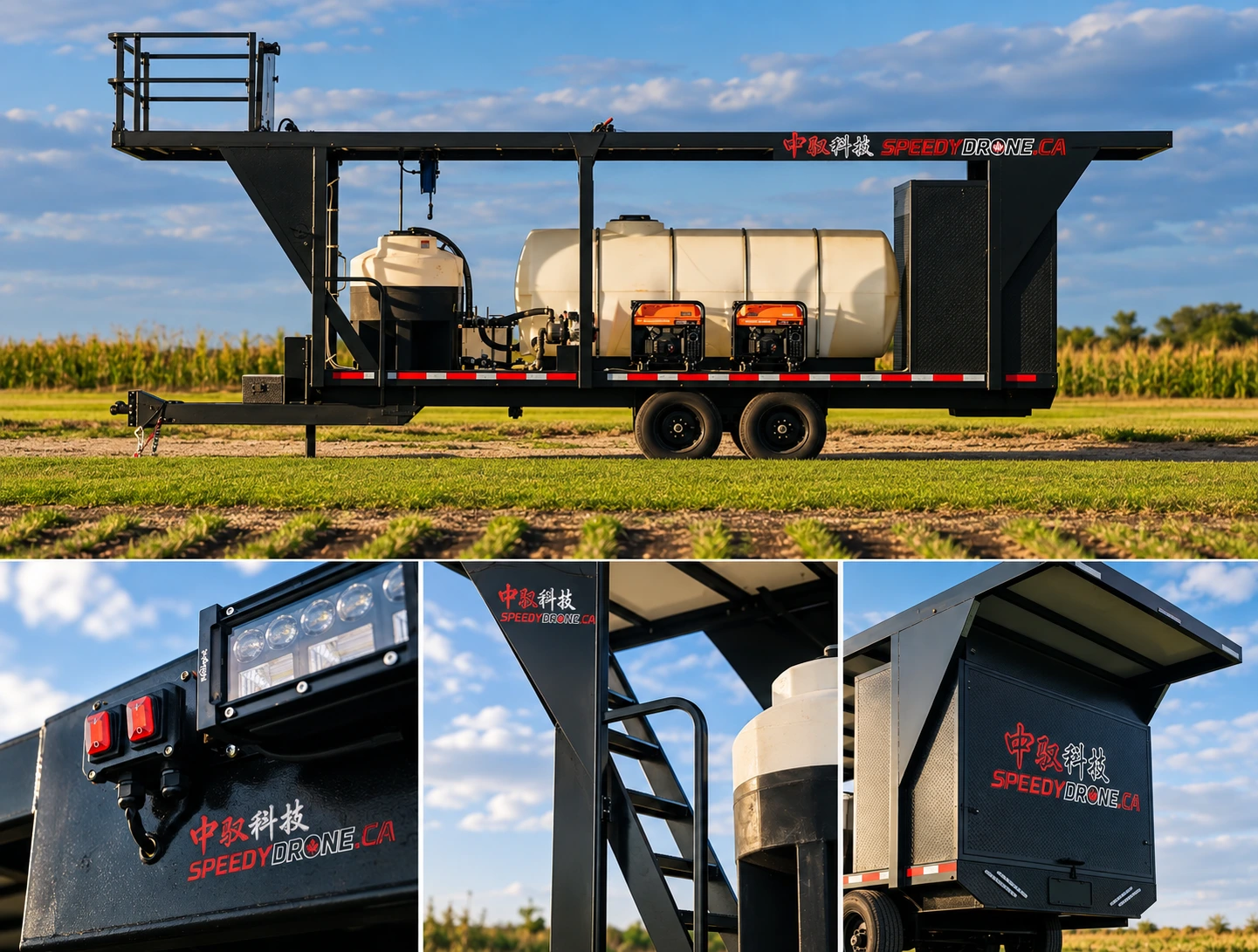
01. ASSESS
Start with the task, not the aircraft.
Start with the work you need to do, where it happens and what you already have. Together, we identify the conditions that will shape the equipment, site arrangements and next steps.
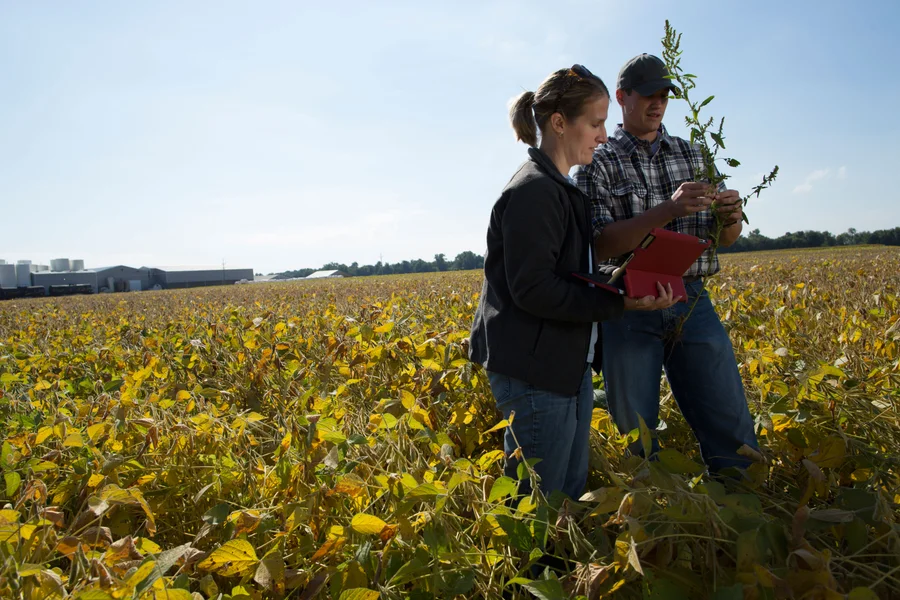
Task & objectives
Spraying, spreading, scouting or feeding? The task determines which equipment and working method to assess.
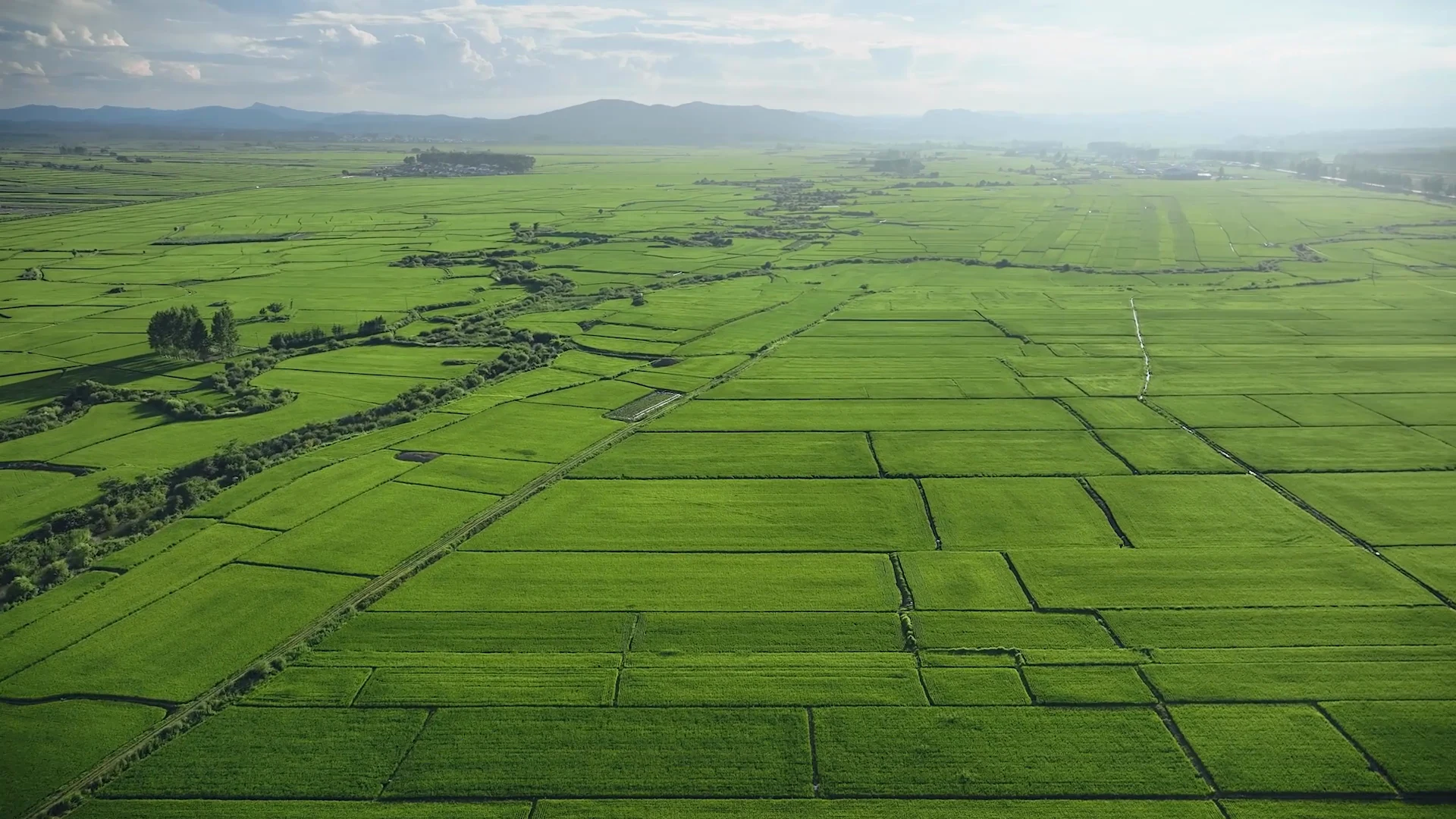
Location & conditions
Province, field or cage layout, access and setup space help identify what needs checking on site.
Scale & timing
Workload, seasonal windows and your intended start date guide the configuration discussion and implementation schedule.
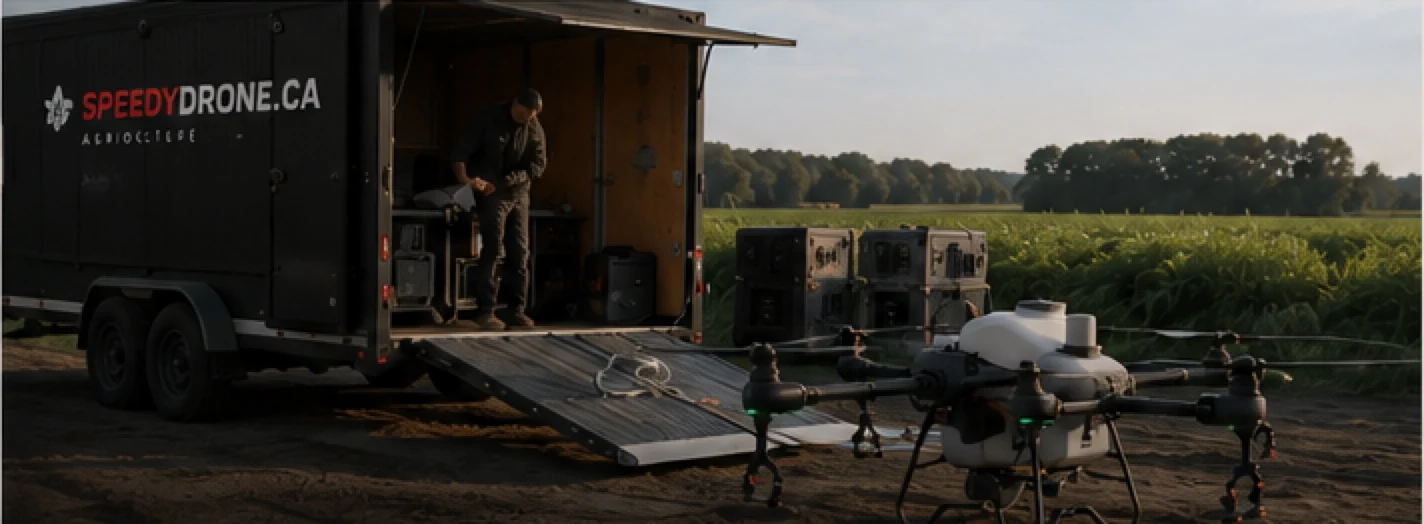
Equipment & people
Existing aircraft, power, transport, supplies and crew roles show what can be retained and what needs adding.
Field work: area and working window. Aquaculture: daily feed demand, cage layout, shore conditions and individual flights. Daily demand is separate from each flight’s load.
Possible outcomes: proceed to configuration, gather information or verify conditions, or advise against deployment under current conditions.
02. CONFIGURE
Specify the system—not just the aircraft.
Build around the task, the equipment you already have and the resources needed on the ground. Hardware and services are scoped separately.
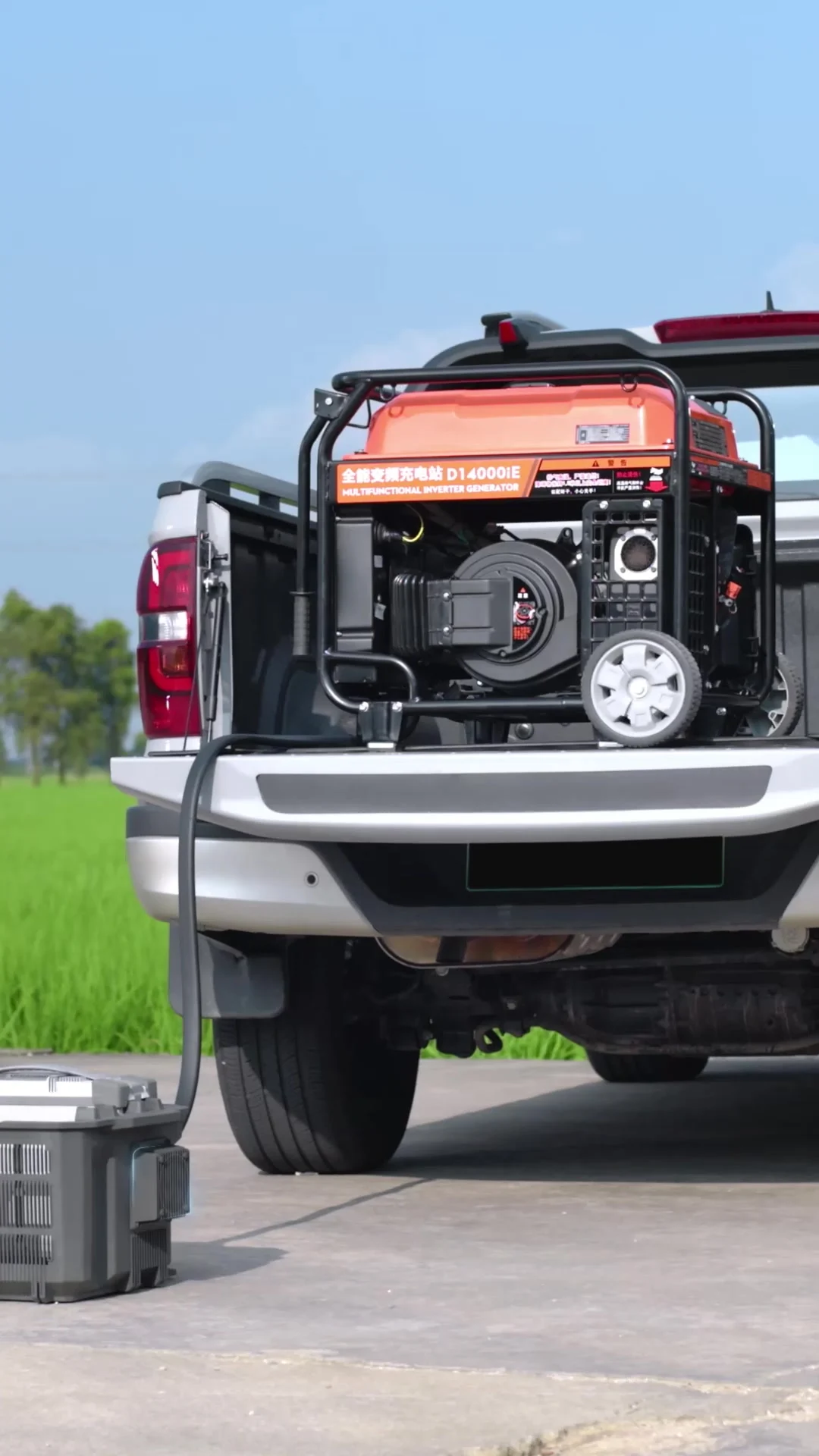
- Task equipment
- Choose candidate aircraft and task equipment, with a clear reason for each proposed configuration.
- Ground setup
- Plan batteries, charging, replenishment, transport, loading and storage around the resources available on site.
- Optional data workflows
- Confirm required outputs, existing data and software, and connections to verify through Workflow Integration. Explore workflow integration
- People & service scope
- Identify operators and ground roles; agree site deployment, training and other technical services separately.


Planning output to agree: A configuration outline with options, dependencies and exclusions.
03. DEPLOY
Prepare the site before the setup.
Agree what needs to be ready before arrival, how the setup proceeds and which follow-up items remain.
 Explore field logistics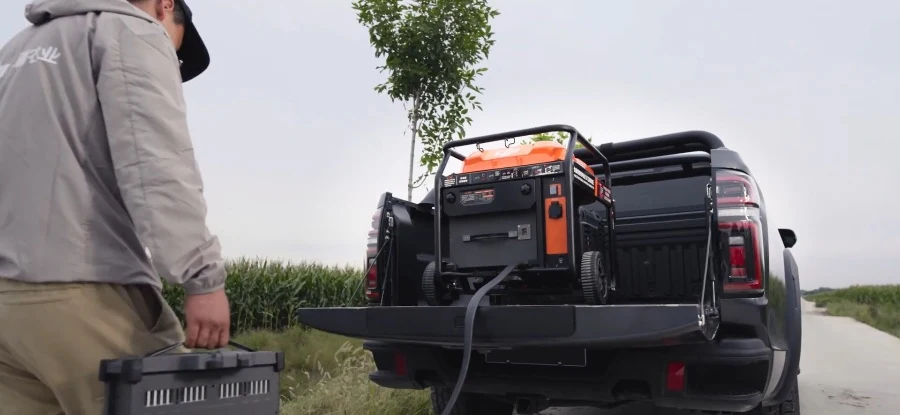
1Before the visit
Confirm scope, equipment, site contact, access, power, supplies, participants and the checks planned for the task.
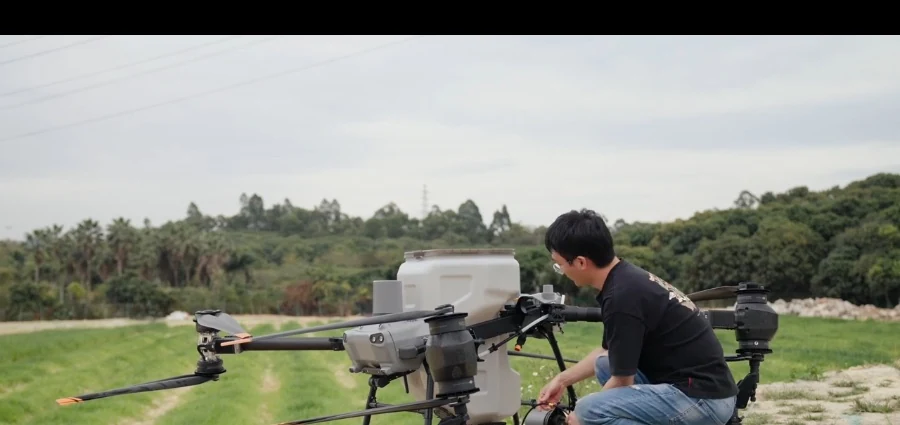
2During the setup
Review equipment, arrange settings and ground facilities, clarify crew roles and prepare the agreed task-specific checks.
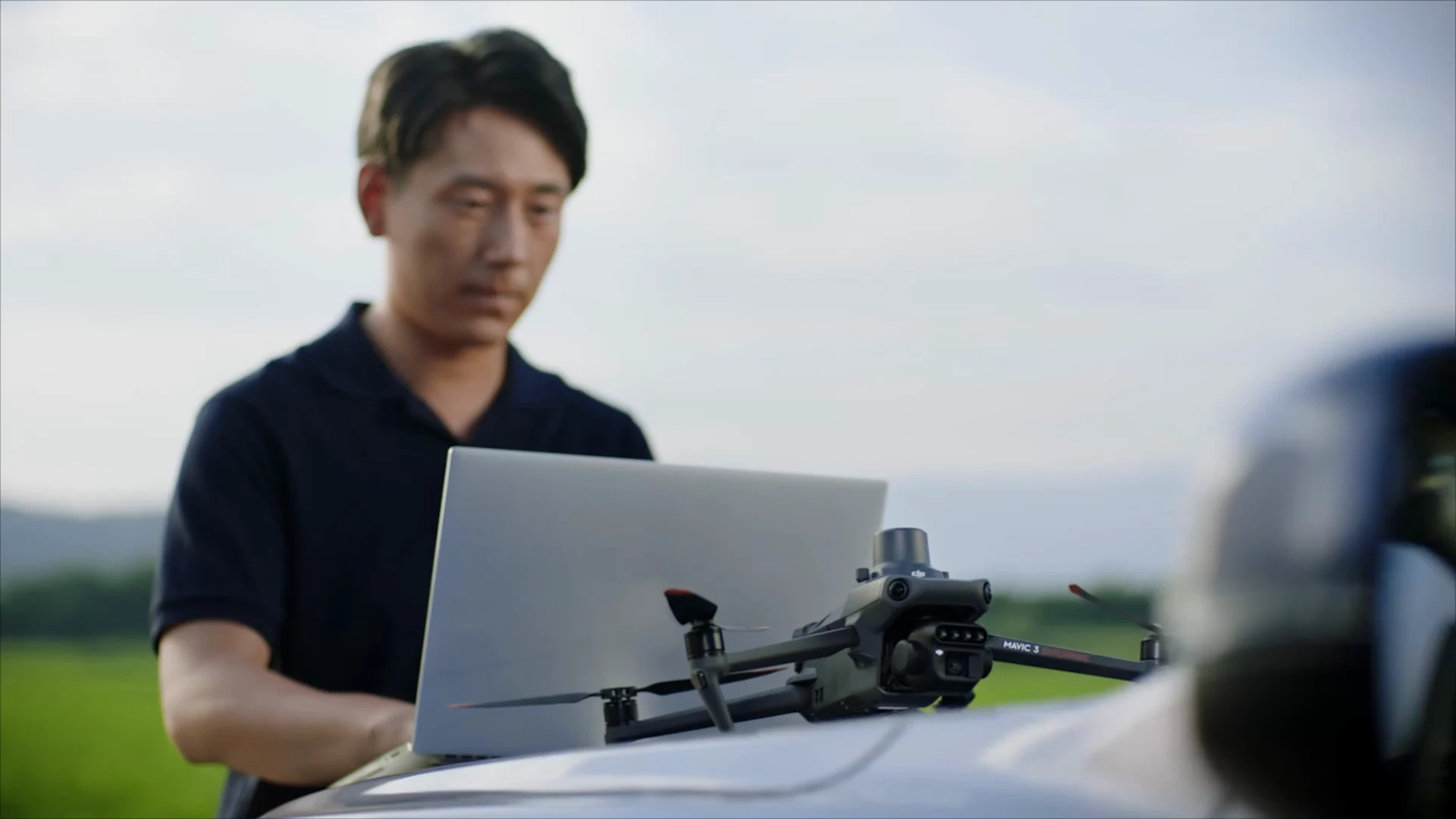
3Before leaving
Record the setup, any changes, additional needs and open items, with an owner and next action.
A request does not book a visit: confirm scope, resources and site conditions before scheduling. Necessary instruction and safety preparation precede the relevant checks and activities. Explore training & handover
04. VERIFY
Verify the agreed setup. Record what remains open.
- Configuration review
- Compare actual equipment, accessories and settings with the agreed scope.
- Task-related checks
- Agree applicable checks, calibration or tests for spraying, spreading or data collection.
- Ground workflow
- Identify outstanding issues with people, power, supplies and the site arrangement.
- Records & handover
- Record conditions, findings, adjustments, references and the owner of each next action.


DEPLOYMENT RECORD — FORMAT EXAMPLE
Format example only. Suggested fields, with no completed project results.
- Agreed scope
- The work and boundaries confirmed for this project
- Equipment & configuration
- Equipment, accessories and relevant settings
- Checks completed
- The checks carried out and their findings
- Conditions recorded
- Relevant site and task conditions during the checks
- Open items
- Questions, missing information and work requiring follow-up
- Owner & next action
- Who will address each item and what happens next
- Handover references
- Where the agreed instructions and supporting records can be found
Possible record terms: Recorded · Information needed · Follow-up required · Outside scope
Records and checks are agreed by project, not automatically included with a purchase. They describe the confirmed scope, not regulatory approval or agronomic results. Personnel and operating requirements remain separate checks.
05. ROLES & SERVICE SCOPE
Know who is doing what.
Agree who prepares, implements and follows up. The service agreement defines the final responsibilities.
| Item | SpeedyDrone proposes | Customer confirms |
|---|---|---|
| Task definition | Clarify the task and implementation conditions. | Objectives, site details and intended timing. |
| Configuration | Propose equipment and review ground resources. | Existing equipment and purchasing decisions. |
| Site deployment | Set up within the confirmed service scope. | Site access, resources and participating people. |
| Verification | Record agreed checks and follow-up items. | Review records and complete agreed actions. |
| Training & support | Identify handover arrangements and support routes. | Participants and the continuing contact person. |
Service details & preparation
Service format and site arrangements
Agree which discussions can take place remotely and whether a site visit is needed. Confirm the location, access, participants, travel and scheduling before the visit.
Changes found during deployment
Record changes to equipment, site conditions or workflow. Confirm any resulting changes to the scope, costs and schedule before additional work proceeds.
Information to prepare
Begin with the task, province, timing and a description of your existing setup. Useful equipment information or site images can follow; detailed files and serial numbers are requested only when needed.
06. FIELD RECORD
Planning grounded in local work.
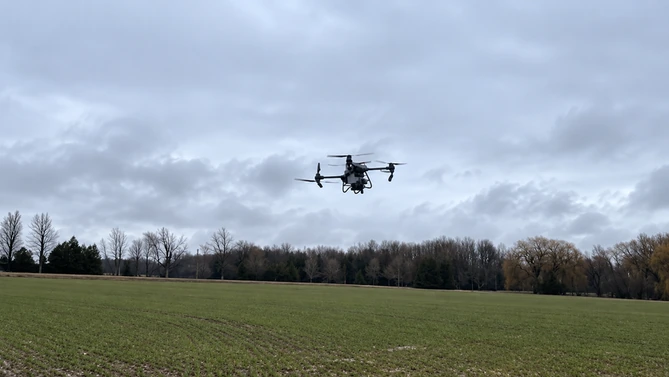
Ontario cover crop seeding
Ontario, Canada- The task
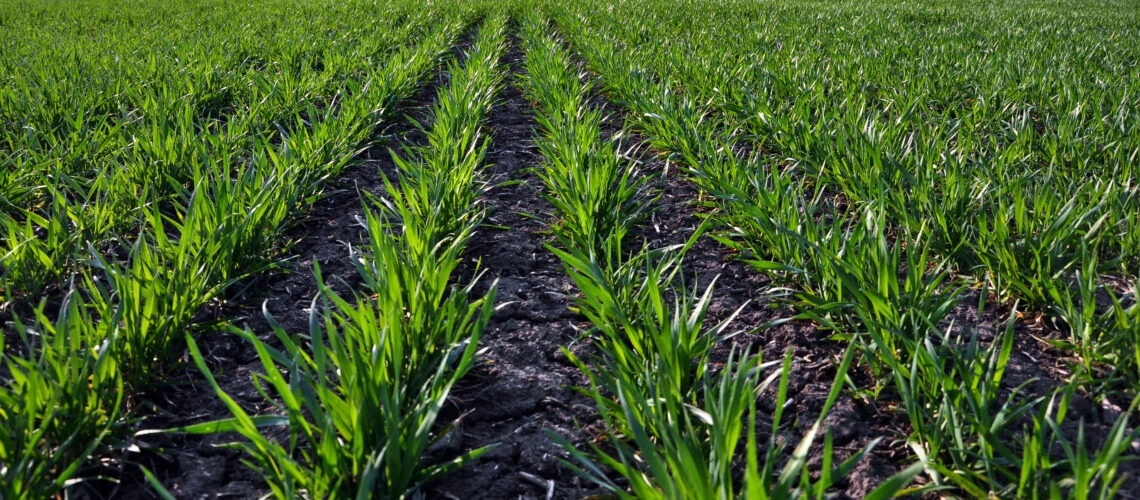
- Company material documents clover seeding into a standing winter wheat crop in Ontario.
- Existing conditions
- The wheat was still in the field; drone work needed to fit the crop and its timing.
- Planning implications
- Discuss seed, equipment configuration, field access, replenishment and the checks appropriate to this task.
The source documents the task and setting; it provides no complete configuration, calibration record or measured application result.
Frequently asked questions
Can we talk before I choose an aircraft?
Yes. Start with the task, location and resources you have. You do not need to decide on a model before discussing the deployment.
I already own a drone. Do I need a whole new system?
We start by reviewing your existing equipment and the proposed task. What can be retained, what needs adding and what needs verification are confirmed through that discussion.
Does deployment include a site visit and training?
Site services and training are confirmed separately within the project scope. The quotation should identify what is included, the participants and any travel or other arrangements.
Can I begin every type of operation once the checks are complete?
The results apply to the agreed setup and checks. The people, location, task and applicable operating requirements still need their own confirmation.
07. GET STARTED
Tell us about the operation you’re preparing.
You do not need a final equipment list. Share your task, location and current setup so we can discuss the next planning step.
- Your taskStart with the work
- Your equipmentConsider what you have
- Your next stepClarify the scope together
Need help with a fault, maintenance or a repair? Go to technical support
- Receive your brief
- Discuss suitability
- Confirm configuration & scope
- Prepare a quote
We first review your information and clarify the scope. A request does not automatically produce a quotation, deployment plan or site booking.
Photo sources
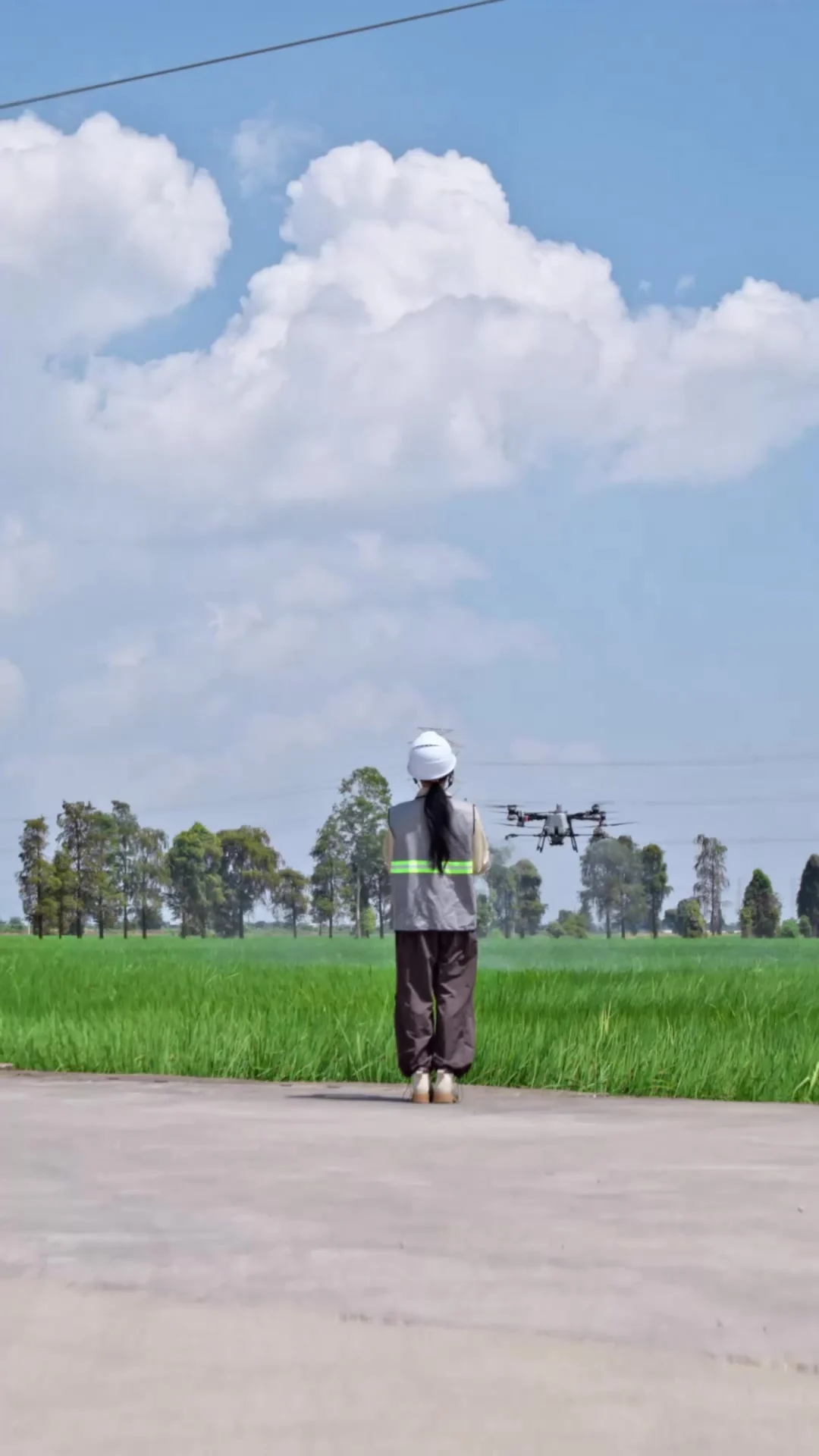
Field discussion: United Soybean Board, CC BY 2.0 (display crop). Trailer and winter-wheat photographs: supplied company materials. DJI images illustrate equipment preparation; they are not one SpeedyDrone project sequence. United Soybean Board · CC BY 2.0 · DJI Agriculture