
Deployment & SupportWorkflow Integration
Connect your field data, tasks and records.
Configure the tools you already use, clarify how information moves between your team and equipment, and scope custom development where the task requires it.
Connections, software requirements and development scope are confirmed for each project.
 Existing tool setup
 Custom development
 Clear handoffs
01 / SERVICE PATHS
Use existing tools. Develop only what the task needs.
Start with your current equipment, software and team. Choose the work needed to make the next handoff clear.
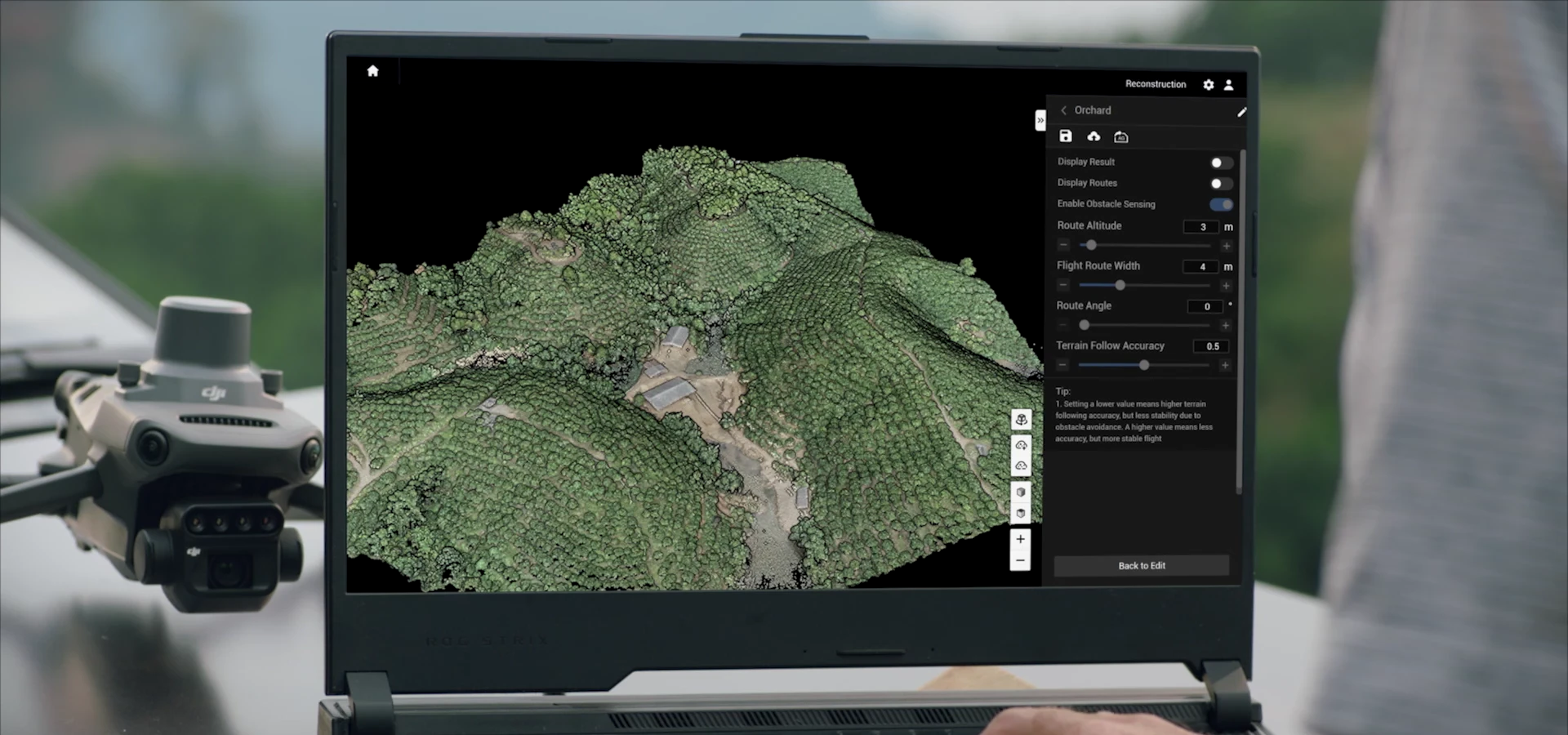
Existing Workflow Setup
Images, tasks and records already exist. Bring them into a process your team can follow.
- Review tools, accounts and available information
- Configure supported steps and file transfers
- Define who prepares, reviews and keeps each record
- Verify the handoffs and document the process
Proposed output A documented workflow setup and handover process.
Custom Workflow Development
Define the missing function, assess the available data and interfaces, then develop and test against an agreed scope.
- Clarify record, task or reporting requirements
- Assess data access and interface conditions
- Develop and test the agreed functions
- Confirm handover and maintenance arrangements
Proposed output A scoped development plan, test criteria and handover arrangements.
02 / HOW THE WORKFLOW CONNECTS
Make every handoff clear.
Know where the information comes from, who reviews it and what the next person needs.
 Mavic 3M
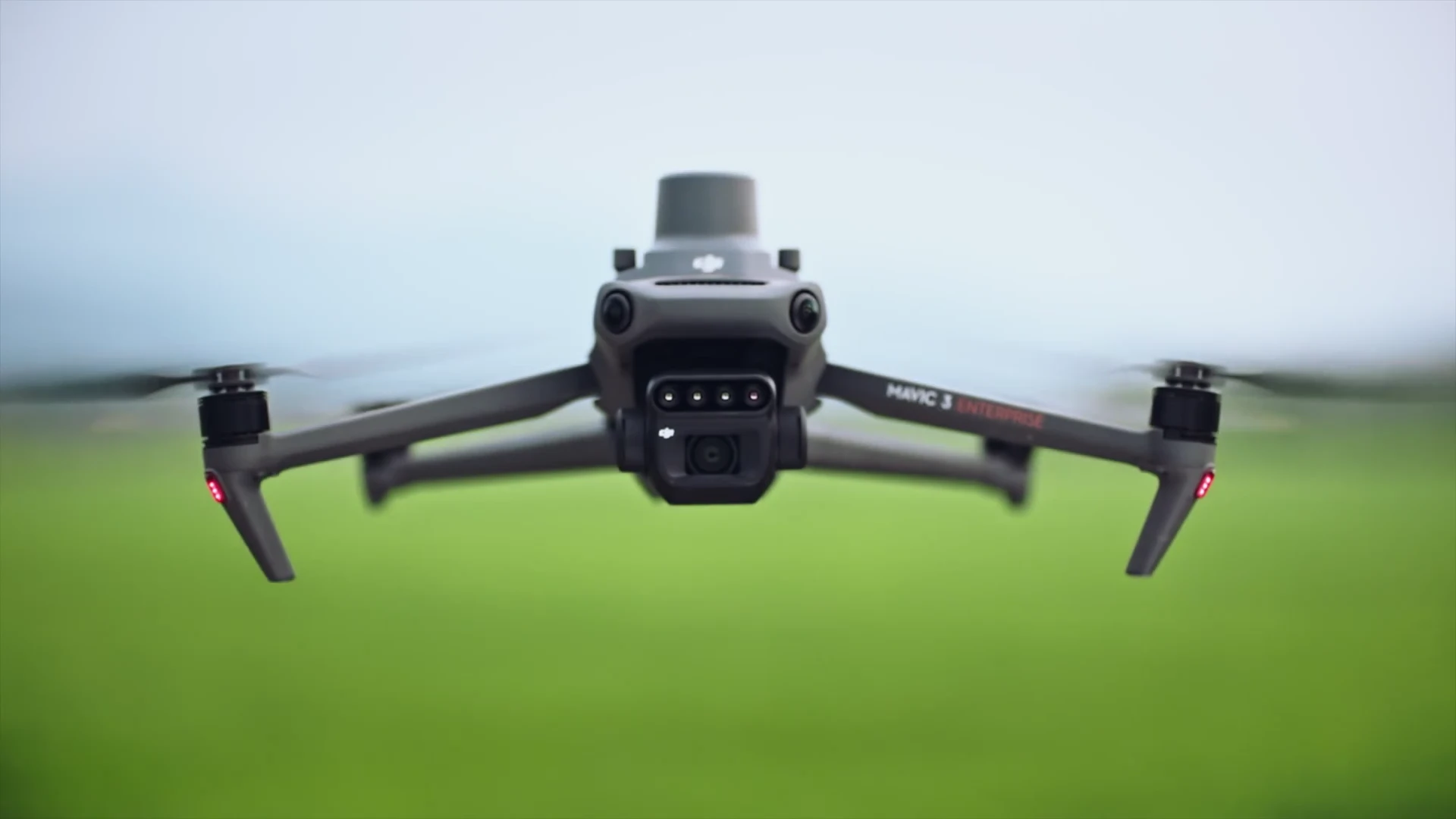
A source of RGB and multispectral field data.
Confirm for the project Field, task, capture date and transfer to the person processing the data.
 SmartFarm Web
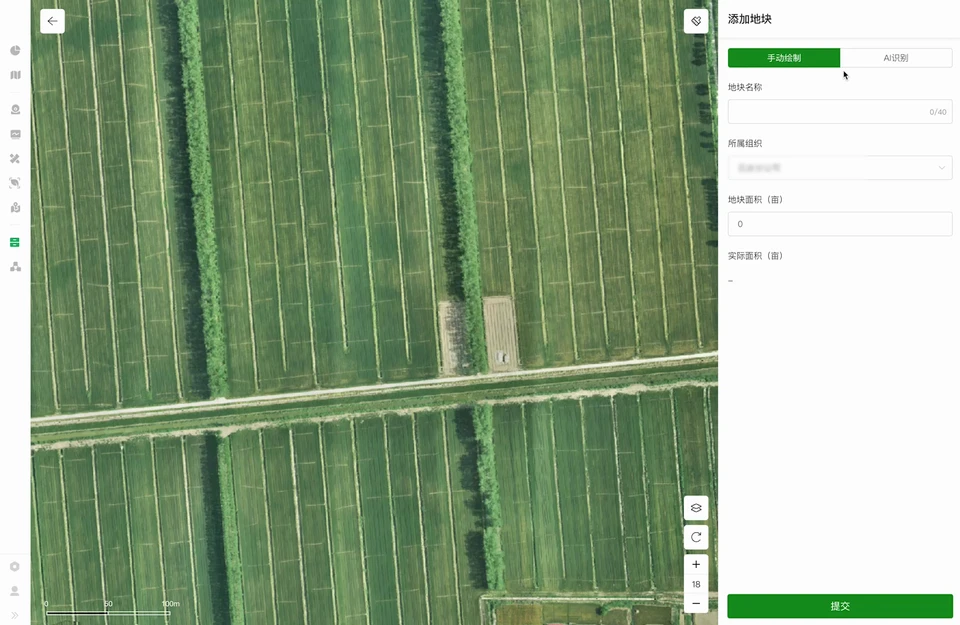
Field image reconstruction, field planning and information records.
Confirm for the project Regional availability, account access, selected functions and required outputs.
SmartFarm App
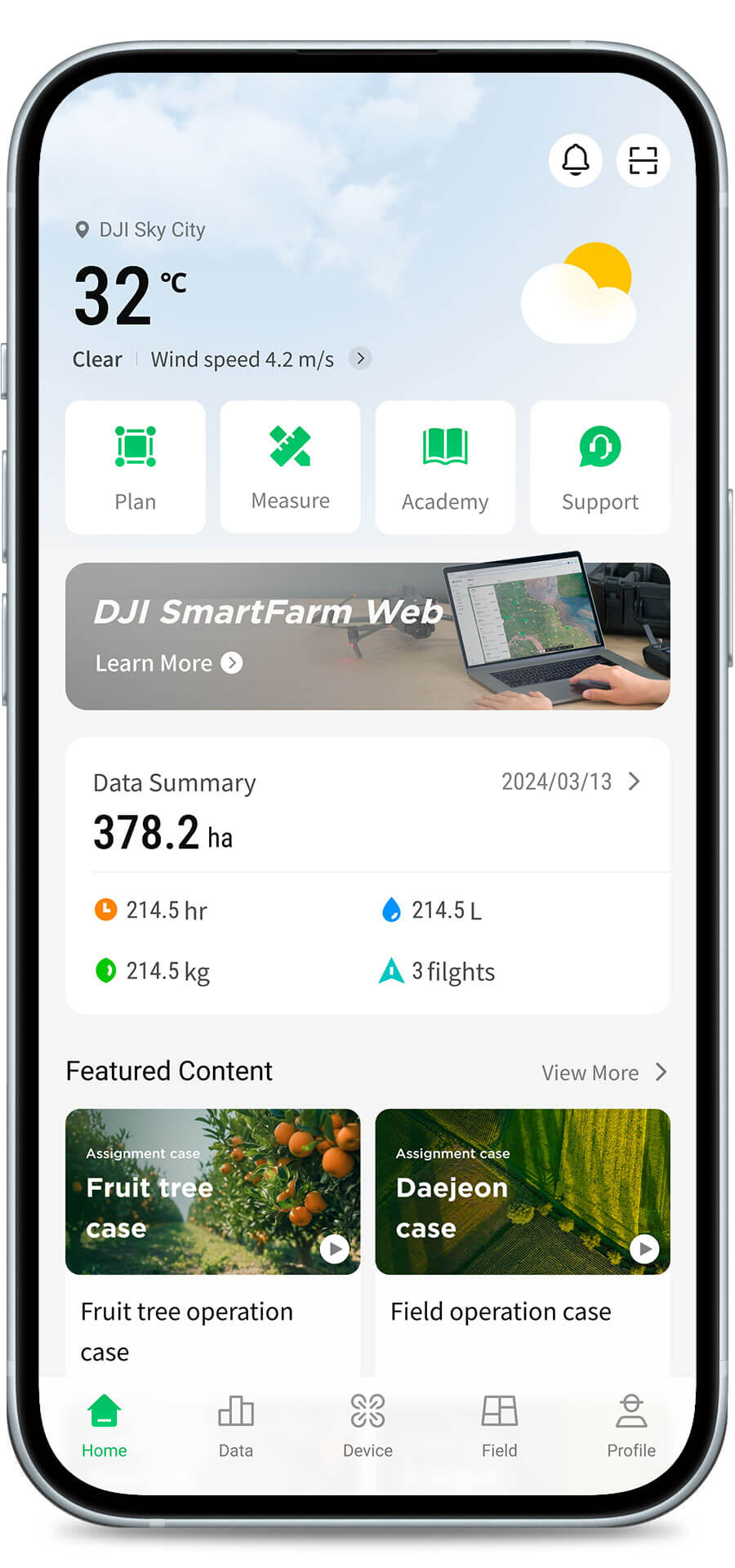
Equipment management, operation summaries, flight tracks and related parameters.
Confirm for the project Who can view records, how they relate to tasks and how they will be used.
DJI Terra
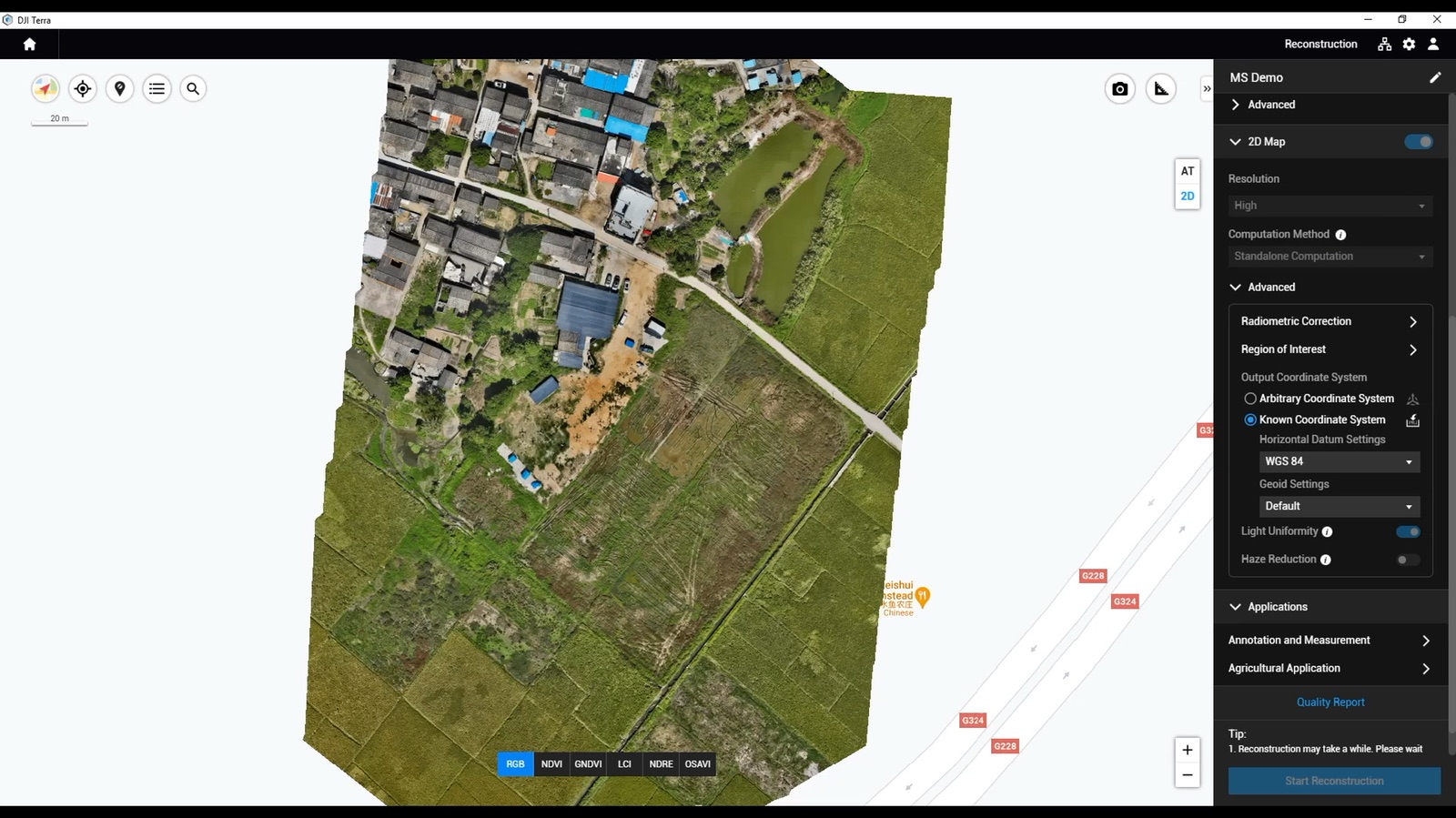
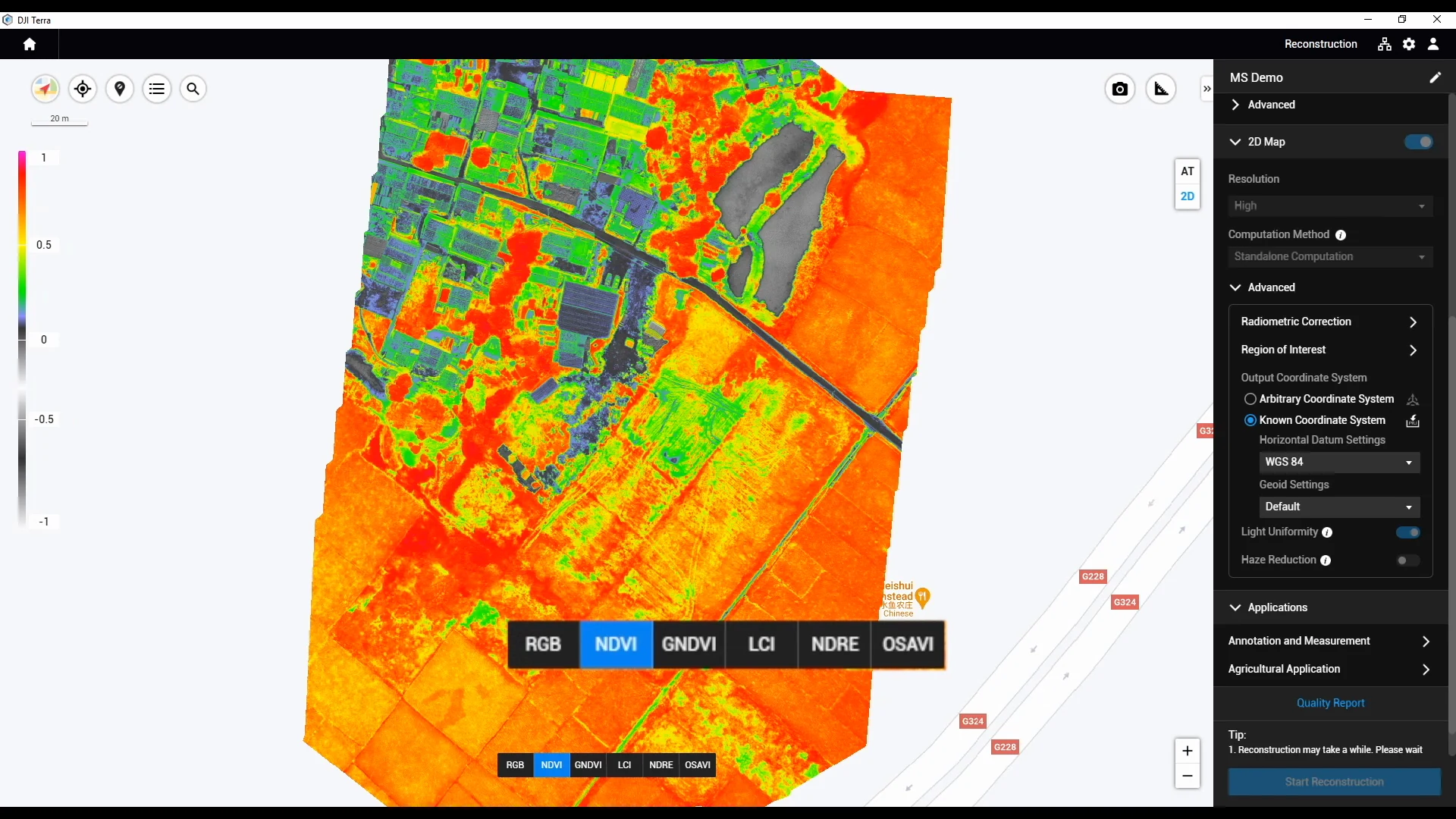
An optional reconstruction and processing route, including agricultural multispectral work.
Confirm for the project Functions, licensing, input and output requirements for the chosen task.
T50 / T100 target setup
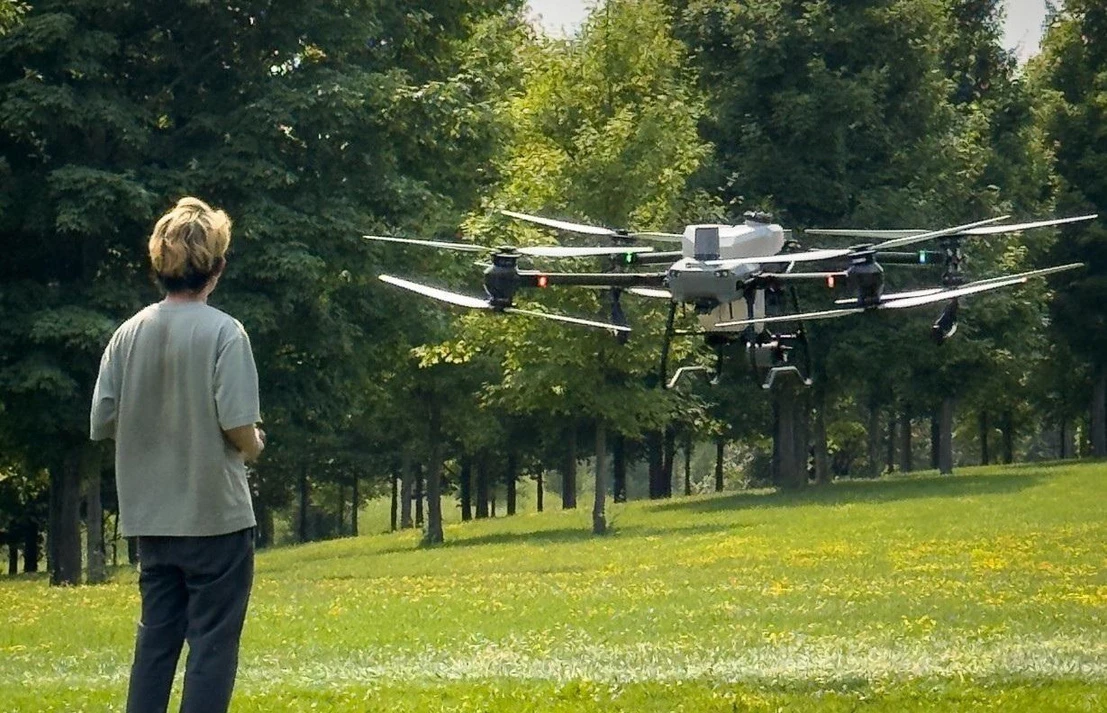
The intended execution equipment and control setup.
Confirm for the project Model, controller, versions, task input and access to operation records.
Official product informationTools are selected for the task. Existing field data or a records-only need can be the starting point; Mavic 3M, Terra and SmartFarm are not a required package.
From field information to task records
Illustrative workflow — connections confirmed per project.
1Review field information
- Who
- Assigned data reviewer
- Handoff
- Maps, images or observations with field and date references.
- Method
- Review the source and the available files.
2Confirm the task
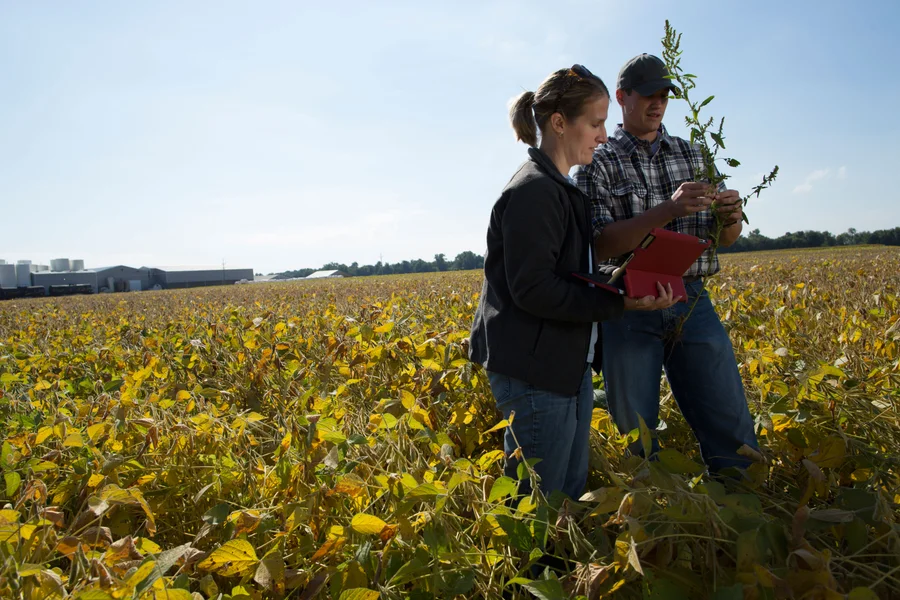
- Who
- Customer’s task owner
- Handoff
- Reviewed target area, requirements and task version.
- Method
- Human review and an explicit task confirmation.
3Prepare the operation
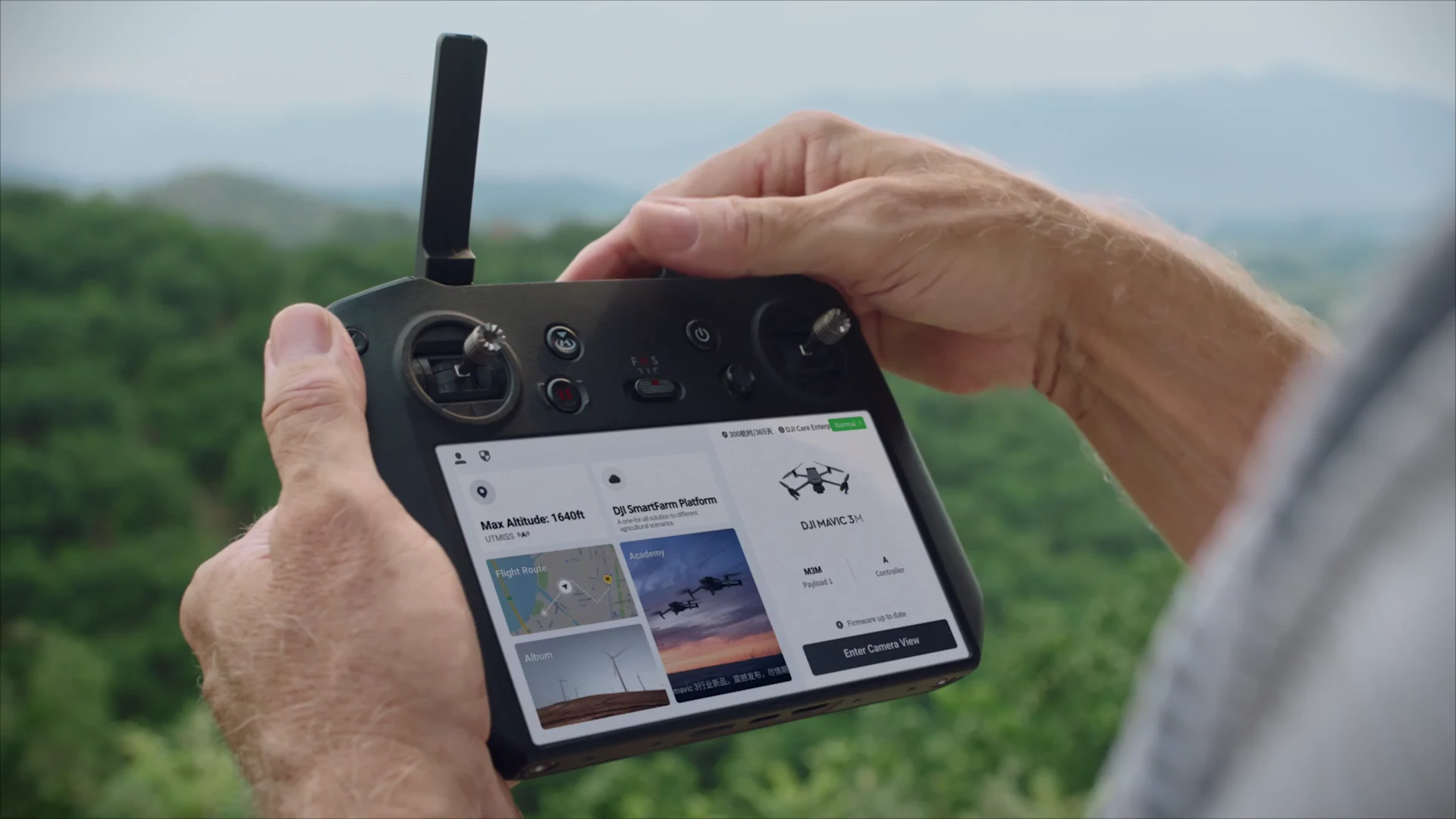
- Who
- Assigned operator
- Handoff
- Task settings for the verified equipment configuration.
- Method
- Manual entry or a supported transfer, as confirmed.
4Organize the records
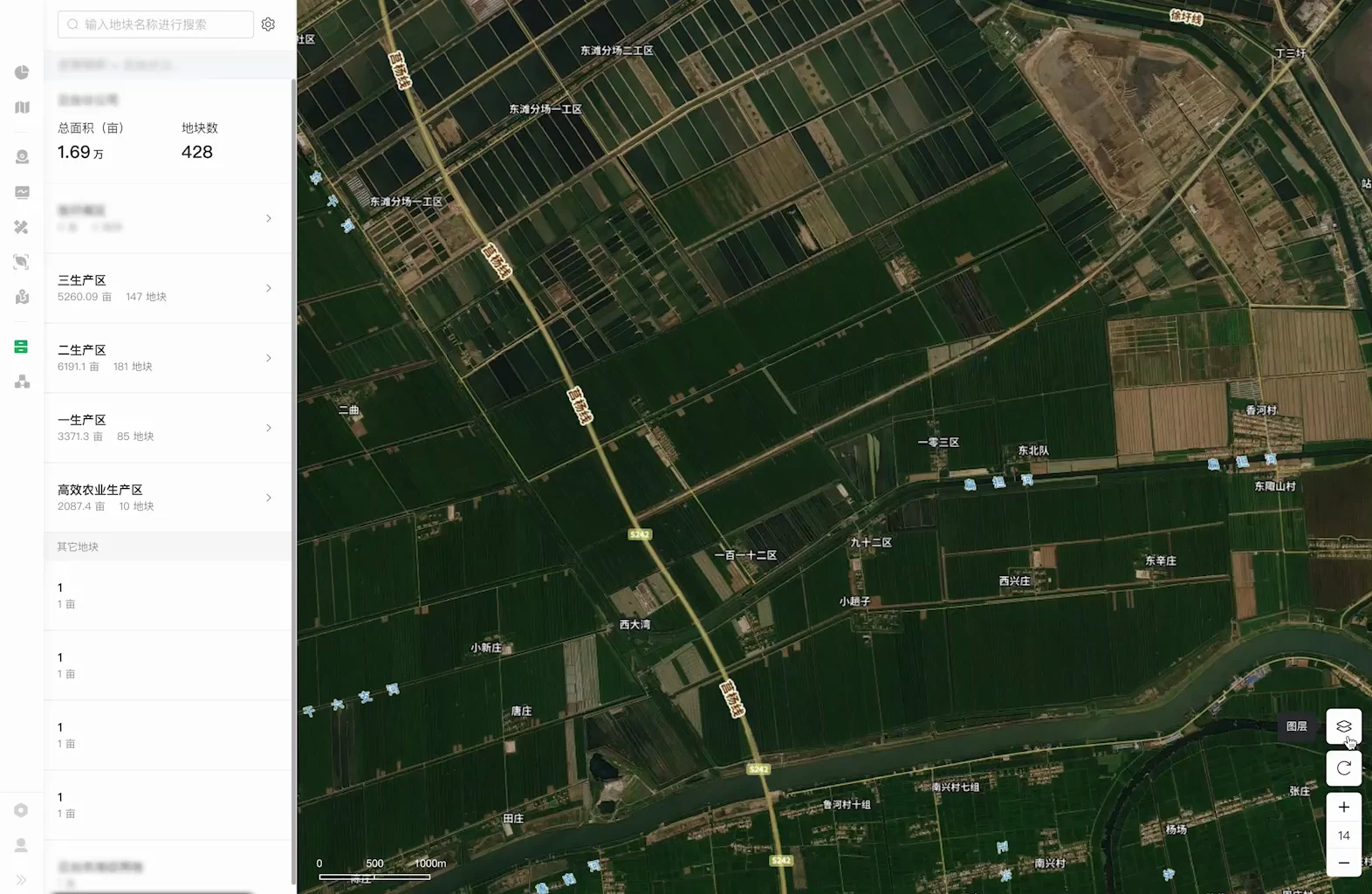
- Who
- Assigned records owner
- Handoff
- Available operation records, exceptions and next actions.
- Method
- Match the records to the original task.
Manual review & entry
A person checks the information and enters the required details.
Supported file transfer
Confirm the import or export format and check the received content.
Verified interface or sync
Use only where access, compatibility and behaviour have been tested.
Multispectral findings help locate areas for ground checks and management review. An index alone does not diagnose a crop problem or approve a prescription.
DJI Cloud API availability does not establish an interface for T50/T100, SmartFarm or a customer’s system. Automatic transfers and task dispatch require their own verification.
03 / DELIVERY MODEL
Defined in the field. Developed for the task. Tested locally.
Canada-based implementation and California development work from one agreed project scope.
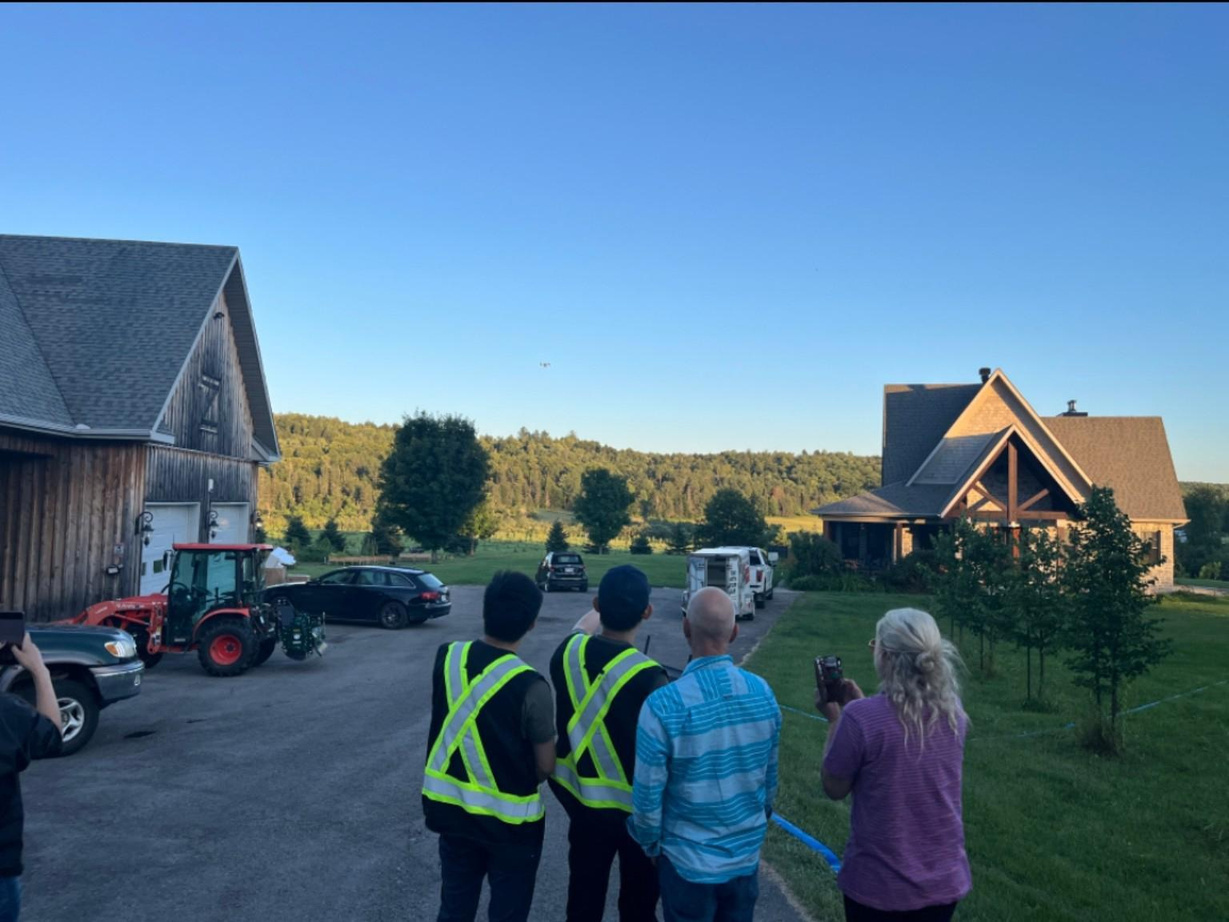
Canada — Workflow definition & field validation
Translate the way your team works into requirements that can be checked in practice.
- Define the task, people and current workflow
- Identify available data and site conditions
- Configure and validate the agreed field process
California — Software & system development
Develop the agreed software functions around the task and the available data.
- Backend and data processing functions
- Task management and related system functions
- Project testing, revisions and handover
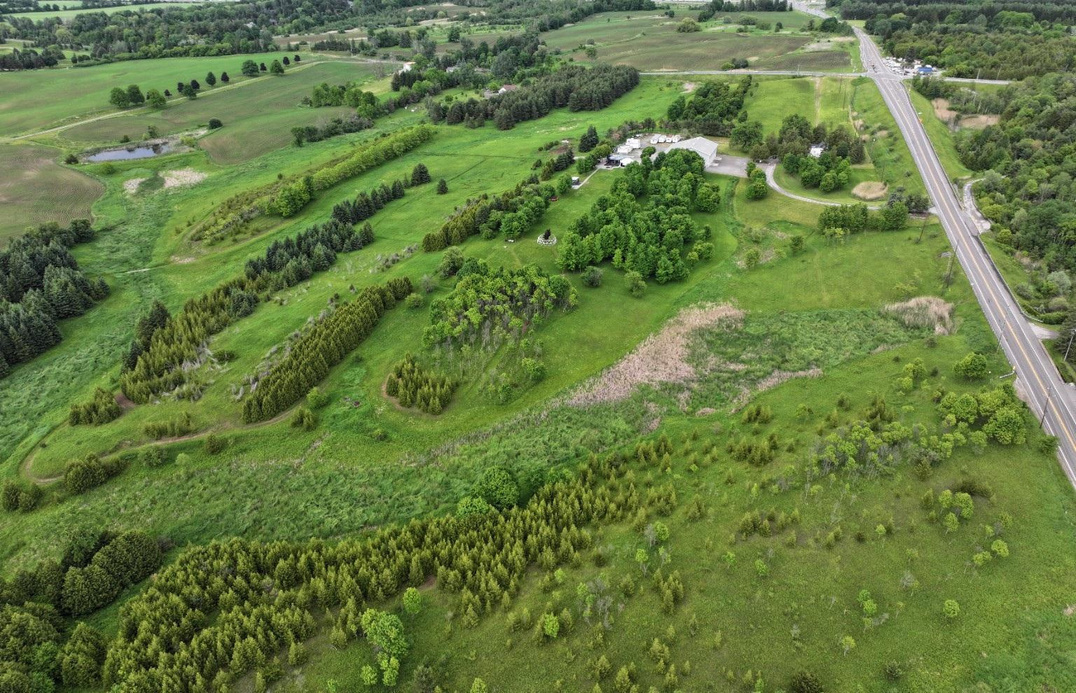
King City · Training and project validation site
Site testing is arranged where the project requires it; it is not included in every software engagement.
Your project is coordinated through SpeedyDrone Canada.
- 1Requirements

- 2Data & interface review
- 3Configuration or prototype
- 4Project testing
- 5Handover & maintenance
04 / INTEGRATION VERIFICATION
Test the handoff—not just the connection.
Agree the checks for your workflow and record the evidence, conditions and remaining work. These deliverables are confirmed within the service scope.
- Data matching
- Check field, task, date and version references to avoid using outdated information.
- Content & units
- Check required fields and distinguish area, total weight and application rate.
- Review responsibility
- Identify who reviews and approves each step, including after a task changes.
 Exception handling
- Define what happens when files conflict, information is missing or a connection fails.
- Versions & maintenance
- Record the tested equipment, software and access conditions, and what changes need review.
Keep planned values, equipment records, manual entries and measured results distinct. A planned quantity or area is not proof of the amount applied or work completed.
WORKFLOW INTEGRATION RECORD — FORMAT EXAMPLE
Suggested fields for a project record. No client results or completed tests are shown.
- Workflow & scope
- The process and boundaries agreed for the project
- Source & destination
- Where information starts and who or what receives it
- Transfer method
- Manual entry, supported file or verified interface
- Versions & access
- Applicable configurations and access conditions
- Review responsibility
- The person responsible for review and approval
- Test evidence
- References to test conditions and recorded findings
- Open items
- Unresolved questions, limitations and follow-up work
- Owner & next action
- The responsible person and the next agreed step
Four records to agree for handover
- Workflow description
- Configuration & compatibility record
- Test evidence & open items
- Handover & maintenance notes
Link these records to the Planning & Deployment configuration and use them during Training & Handover. Planning & Deployment ↗
05 / DATA, ACCESS & SERVICE SCOPE
Know where the data goes—and who can use it.
Confirm practical arrangements for accounts, information and ongoing responsibilities before the work begins.
- Accounts & access
- Agree which accounts to use, who manages permissions and how access is handed over or removed.
- Data handling
- Identify the information needed for configuration, testing or development, and its permitted uses.
- Storage & transfer
- Identify the software and services involved and confirm where processing will take place.
- Export & project closeout
- Agree available exports, handover, retention and access when the project ends.
- Fees & maintenance
- Confirm licensing, implementation, development, third-party fees and ongoing support separately.
06 / AFTER HANDOVER
Keep the workflow usable after handover.
Confirm who operates the workflow, keeps the information current, reports issues and reviews the impact of equipment or software changes.
 Training & HandoverHelp your team learn the agreed process and take over the records.Technical SupportA route for operating issues, investigation and agreed follow-up.
Custom development maintenance and future compatibility work are agreed separately within the project scope.
Frequently asked questions
Does integration always require new software?
No. First we assess existing functions, supported file transfers and the way people work. Clear responsibilities and a tested handoff may be enough.
Do we need Mavic 3M, Terra and SmartFarm together?
No. Tool selection follows the task and your existing resources. These products are optional, and each relevant function and access condition is checked separately.
Can data sync or tasks be sent automatically?
That depends on supported functions, access conditions and verification of the specific configuration. We do not make a general promise of automatic synchronization or task dispatch.
Can this work with our farm software or spreadsheets?
We can assess it from the tool names, available information and the function you need. An assessment does not mean an integration is already available or has been tested.
Who is responsible after a software update?
The agreed scope identifies the responsibilities of your team, the software provider and SpeedyDrone. Changes may require a new review, test or scoped update.
07 / GET STARTED
Tell us where your workflow needs to connect.
Share the tools you use, how the work is done today and what you need to improve. You do not need a technical specification to start.
- Start with current tools
- Scope the work together
- Agree clear next steps
Please do not submit passwords, API tokens or other credentials. An enquiry starts a scope discussion; it does not confirm compatibility or book integration work.
What happens next
- We review your current setup and the change you need.
- We clarify data, access and the possible service path.
- We agree the scope and next steps before any implementation.